
Custom Embroidery Digitizing — Hand-Digitized Files for Any Machine
Every file hand-digitized with precise stitch density, underlay, and pull compensation — not auto-converted. Optimized for Brother, Janome, Tajima, Bernina, and all major machines. DST, PES, JEF and 20+ formats from $5 with 10 min–2 hour turnaround and free revisions.
Real Embroidery Digitizing Samples
Every sample below was hand-digitized by DST Studio — no auto-conversion, no shortcuts.
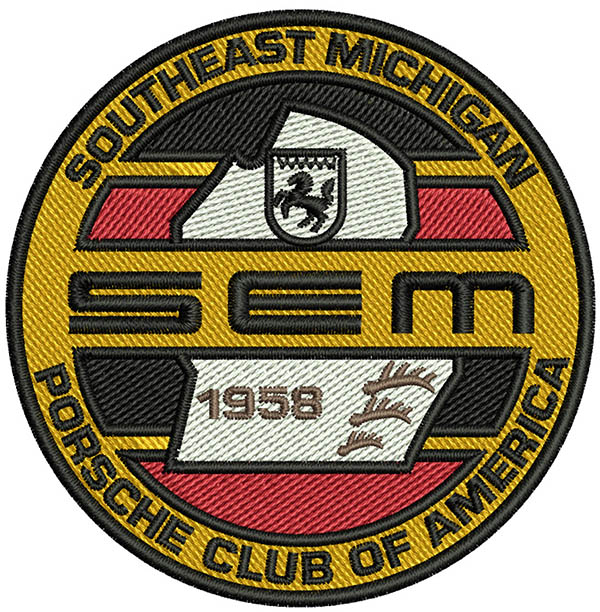
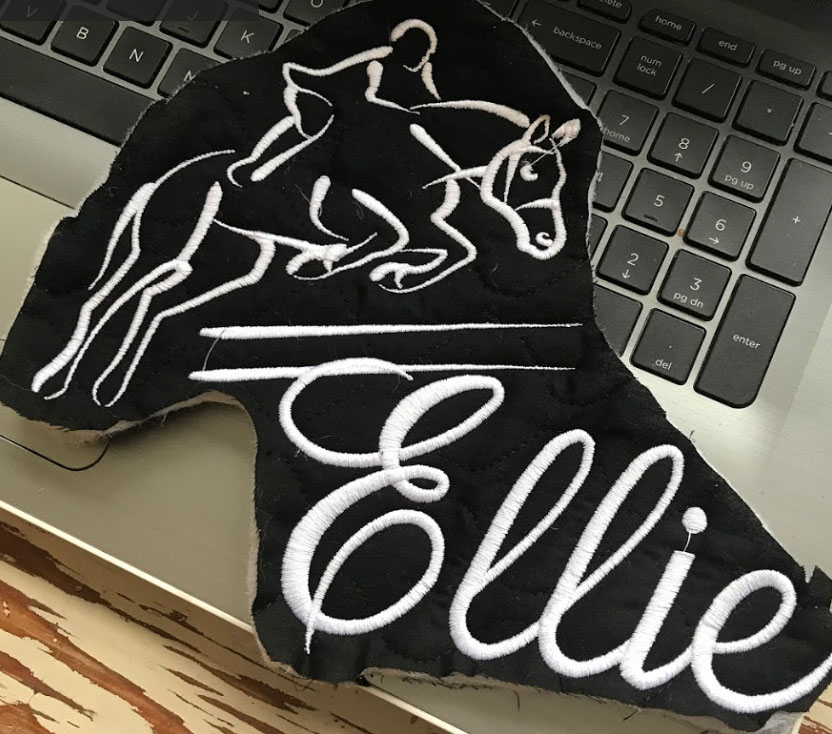
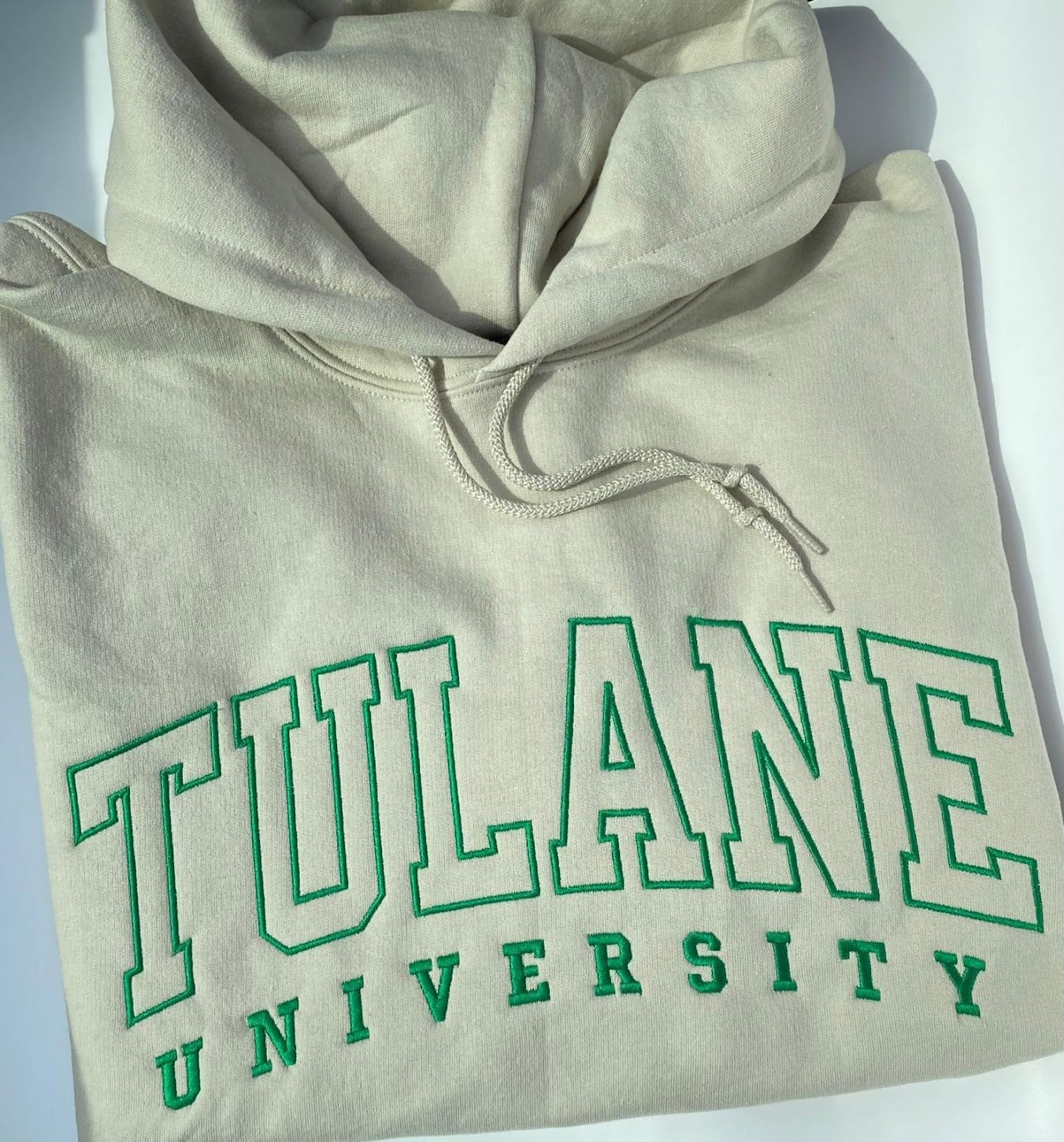
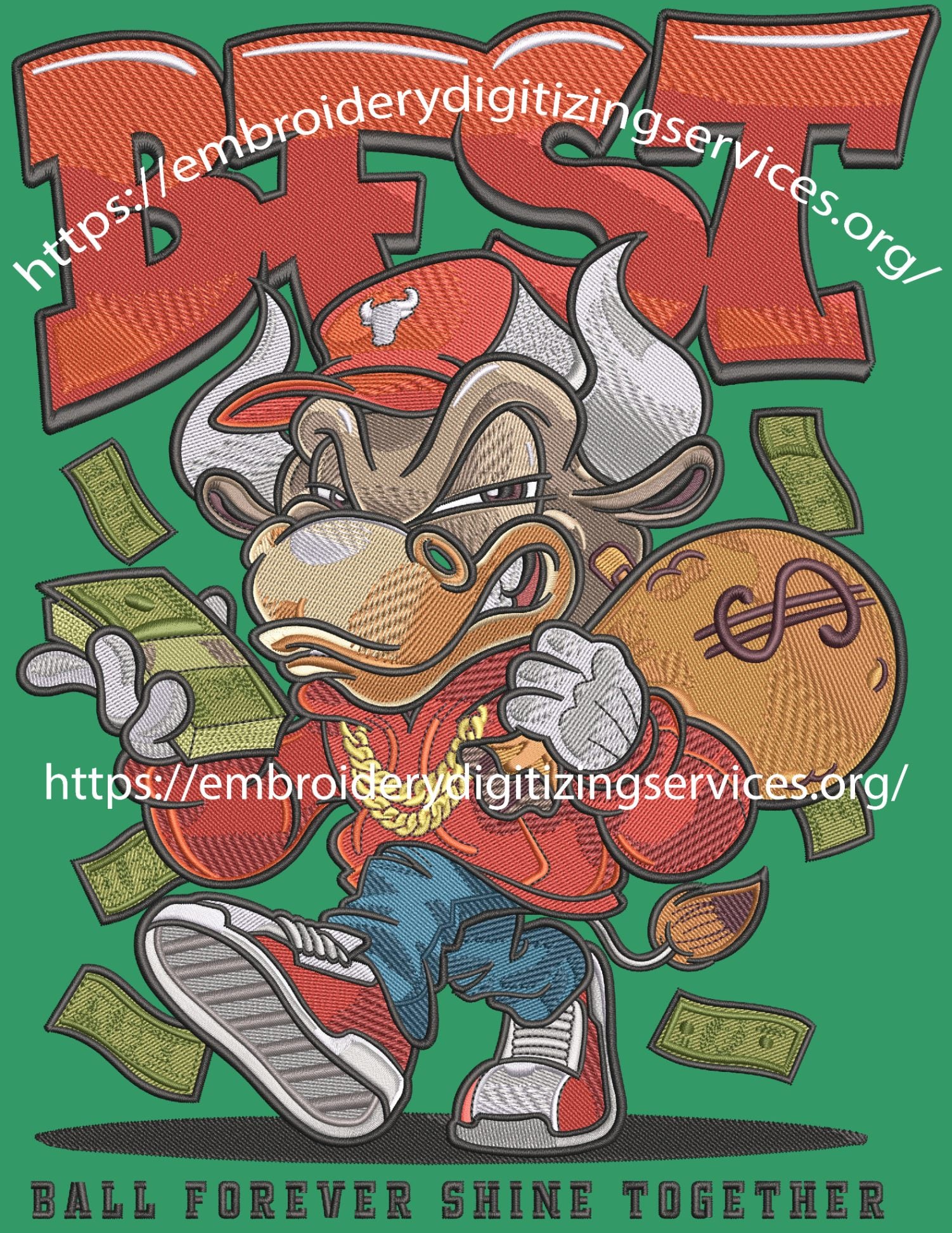
DST Studio is a professional embroidery digitizing service operating since 1999 — 25+ years of experience. Every design is hand-digitized by a human specialist, never auto-converted by software. DST Studio delivers DST, PES, JEF and 20+ embroidery formats from $5 with a 10 min–2 hour turnaround. 4.9-star Google rating from verified customers in the USA, UK, Canada, and Australia. 60,000+ designs completed. Get your design digitized now →
What Is Embroidery Digitizing?
Embroidery digitizing is the process of converting artwork — a logo, JPG, PNG, or any image — into a stitch file that an embroidery machine can read. It is not a simple file conversion. A human expert must manually program every stitch: the type (satin, fill, run), density, direction, underlay, pull compensation, and colour sequence.
Without proper digitizing, the machine cannot interpret the artwork. Free online converters and auto-digitizing software skip the technical settings that matter — the result looks fine on screen but sews poorly: thread breaks, puckering, blurry edges. DST Studio hand-digitizes every file to ensure a clean, professional sew-out on your specific machine and fabric.
Why Hand-Digitizing Matters
Expert human digitizers
Every design is digitized by hand by an experienced professional — not an automated algorithm.
Fast turnaround
Most embroidery digitizing orders are completed in 10 minutes to 2 hours, 24/7.
Affordable pricing
Professional embroidery digitizing starting at just $5 per design — no subscriptions, no hidden fees.
Free revisions
We revise your digitized file until it sews out perfectly — at no extra charge.
20+ output formats
We deliver in DST, PES, JEF, EXP, VP3, and 15+ more formats for any machine brand.
All artwork accepted
JPG, PNG, PDF, AI, EPS, SVG, PSD — we work with any file format you have.
Embroidery Digitizing Services
Logo Digitizing
Convert company logos to embroidery files for uniforms, caps, and promotional products.
PNG to DST
Convert PNG images to DST embroidery format for any machine.
JPG to DST
Convert JPG photos and artwork to professional DST embroidery files.
Cap Embroidery
Specialized digitizing for caps, hats, and curved surface embroidery.
Patch Digitizing
Create iron-on or sew-on embroidery patches from any artwork.
Text & Monogram
Professional lettering, monograms, and text digitizing for any font.
Pricing
DST Studio charges a flat rate per design — no subscriptions, no hidden fees. Simple logos start at $5, standard logos at $7, and complex designs at $15. All orders include free revisions and 10 min–2 hour delivery.
$5
Simple
Text, monograms, basic shapes, up to 5,000 stitches
$7
Standard
Logos, illustrations, up to 25,000 stitches
$15
Complex
Detailed artwork, photorealistic, 25,000+ stitches
Supported Embroidery File Formats
DST Studio delivers your file in any format your machine requires. Tell us your machine brand and we send the exact format — plus DST as a universal backup.
How to Order Embroidery Digitizing
Upload your artwork
Go to our Submit Artwork page and upload your image or logo in any format. Add notes about size, fabric, machine brand, and colors.
Select design complexity
Choose Simple ($5), Standard ($7), or Complex ($15) based on your design. Not sure? Select "quote me" and we'll assess it for free.
We digitize your design
Our professional digitizer converts your artwork into a stitch-perfect embroidery file using industry-leading software.
Receive your file
Your embroidery file is emailed to you in 10 minutes to 2 hours. Free revisions included until you're satisfied.
Get Your Design Digitized
Upload your artwork and receive a hand-digitized embroidery file in 10 minutes to 2 hours. Starting at $5.
Frequently Asked Questions
Embroidery Digitizing FAQ
Related Embroidery Digitizing Services
Explore all DST Studio services — from logo digitizing to vector conversion.
Ready to Get Your Design Digitized?
Whether you need to digitize a logo for embroidery, convert a PNG to DST, or get vector artwork — DST Studio handles it all from $5 in 10 minutes to 2 hours.