
Logo Vectorization ServiceConvert JPG & PNG Logo to SVG, AI, EPS
Send us your JPG, PNG, or low-resolution logo and we hand-trace it into a clean, scalable vector file — SVG, AI, EPS, or PDF. No auto-tracing software. Every path is drawn by hand for pixel-perfect results at any size.
Vector files are essential for printing, signage, embroidery prep, and professional brand use. Learn how vectorization works and what formats you need — explained below.

All Vector Services
Types of Vector Services We Offer
From logo conversion to full artwork redraw — every service is done by hand, not software. Pick what you need or ask us and we'll guide you.
Logo Vectorization
Convert your JPG or PNG logo into a clean, scalable SVG, AI, EPS, or PDF vector file. Hand-traced by experts — not auto-traced. Perfect for print, signage, and brand use.
Image to Vector Conversion
Convert any raster image — photo, illustration, or graphic — into a clean vector file. We trace every shape and color by hand for pixel-perfect results at any size.
Artwork Redraw
Have an old, damaged, or low-quality artwork file? We redraw it from scratch as a clean vector — preserving every detail, color, and proportion of the original.
PNG to Vector
Send us any PNG file — logo, icon, illustration, or graphic — and we convert it to a fully scalable vector. Transparent backgrounds handled automatically.
JPG to Vector
Convert JPG photos, logos, or artwork to clean vector files. Even low-resolution or blurry JPGs are fine — we trace by hand so input quality doesn't limit output quality.
Vector Cleanup & Optimization
Have a messy auto-traced vector with too many anchor points, rough edges, or wrong colors? We clean it up by hand — smooth paths, correct colors, proper layers.
Laser Cutting Files
We prepare clean, cut-ready vector files optimized for laser cutting machines. Closed paths, correct stroke weights, and properly separated cut vs. engrave layers — ready to load directly into your laser software.
Floor Plan Vectorization
Convert hand-drawn or scanned floor plans, architectural sketches, or blueprints into clean, scalable vector files. Accurate lines, proper layers, and print-ready output for architects, real estate, and interior designers.
Image Editing & Retouching
Background removal, color correction, object removal, image cleanup, and photo retouching. We prepare your images for print, web, or embroidery — delivered as high-resolution PNG, JPG, or layered PSD.
Ready-to-Print Files
We prepare your artwork as a print-ready file — correct color mode (CMYK), bleed, trim marks, and resolution. Compatible with any commercial print shop, screen printer, or digital printer.
Custom Illustration to Vector
Have a hand-drawn sketch, napkin drawing, or rough concept? We convert it into a clean, professional vector illustration — ready for print, merchandise, signage, or brand use.
Not sure which type of service you need?
Just contact us — describe what you have and what you need, and we will give you the right solution at the right price. No jargon, no confusion.
Learn How It Works
What Is Logo Vectorization — and Why Do You Need It?
A vector file is made of mathematical paths — not pixels. This means it can be scaled to any size (from a business card to a billboard) without losing quality. If your logo is a JPG or PNG, it's a raster file — it gets blurry when enlarged. Vectorization converts it to a clean, scalable format that works everywhere.
What is a vector file?
A vector file (SVG, AI, EPS, PDF) stores your logo as mathematical paths instead of pixels. It can be scaled to any size — from a tiny business card to a large banner — without any loss of quality. Printers, sign makers, and embroidery digitizers all require vector files for professional results.
Why hand-tracing beats auto-tracing
Auto-tracing tools like Adobe Illustrator's Live Trace or online converters produce messy paths with too many anchor points, rough edges, and incorrect colors. A human vectorizer traces every path by hand — clean curves, correct colors, proper layers. The result is a professional file that works everywhere.
When do you need a vector logo?
You need a vector logo for printing (business cards, flyers, banners), signage (vinyl cutting, laser engraving), embroidery prep (before digitizing), merchandise, and any professional brand use. If a printer or designer asks for an "AI file" or "EPS file," they need a vector — and we can create it from your JPG or PNG.
Process
How to Convert Your Logo to a Vector File — 3 Steps
No software needed. Just send us your logo and we hand-trace it into a clean vector file.
01
Upload Your Logo
Send us your JPG, PNG, BMP, or any raster logo file. Low-resolution files are fine — we work from whatever you have. Include any color or style notes.
02
We Hand-Trace It
Our vectorizer opens your logo and manually traces every shape, curve, and color into clean vector paths. No auto-tracing software. Every anchor point is placed by hand.
03
Download Your Vector File
Within 10 minutes to 2 hours, you receive your SVG, AI, EPS, and PDF files by email. Scalable to any size, ready for print, signage, embroidery, or brand use.
Output Formats
What Files Do You Receive?
Every logo vectorization order includes all five formats — vector files plus a high-resolution transparent PNG — so you have the right file for every use case.
Scalable Vector Graphics
Web, CSS, Figma, Canva, Inkscape. The universal open vector format — works everywhere online.
Adobe Illustrator
Professional design work, print production, brand guidelines. Required by most designers and print shops.
Encapsulated PostScript
Print, signage, vinyl cutting, laser engraving. The standard format for commercial printing and sign makers.
Portable Document Format
Sharing, proofing, and print-ready files. Opens in any PDF viewer — no design software needed.
High-Res Transparent PNG
Print-ready raster export at 300 DPI with a transparent background. Drop it straight into Word, Canva, PowerPoint, or send to any printer — no design software needed.
Why Choose DST Studio
Professional vectorization — not just auto-tracing.
Free online vectorizers and auto-tracing tools produce messy results — too many anchor points, rough edges, wrong colors. DST Studio vectorizes every logo by hand. Our vectorizers trace each path manually, match your brand colors exactly, and deliver clean, professional files that work for print, signage, and embroidery.
Hand-traced — not auto-traced
Every path is drawn by hand. Clean curves, correct colors, proper layers — not the messy output of auto-tracing software.
10 min–2 hour turnaround
Most orders are delivered within 10 minutes to 2 hours. Rush orders available. Your deadline stays on track.
All 4 vector formats included
Every order includes SVG, AI, EPS, and PDF — so you have the right file for every use case.
Free revisions until it's right
Not happy with the result? We revise until it's perfect. Satisfaction guaranteed or your money back.
What our clients send us:
Low-res JPG logo
Blurry, pixelated, or small — we work from whatever you have.
PNG with background
We remove the background and trace the logo cleanly.
Screenshot of a logo
Even a screenshot works — we trace it by hand.
Old scanned logo
Scanned from a business card or letterhead — no problem.
Real Work Samples
Before & After — Logo Vectorization Results
Every sample below is a real client logo — sent to us as a blurry JPG or low-res PNG, returned as a clean, scalable vector file. Hand-traced, not auto-converted.
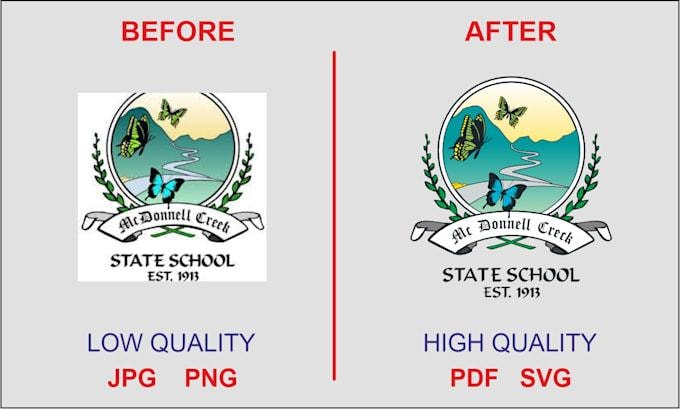
Original file received — low-res, pixelated, not print-ready
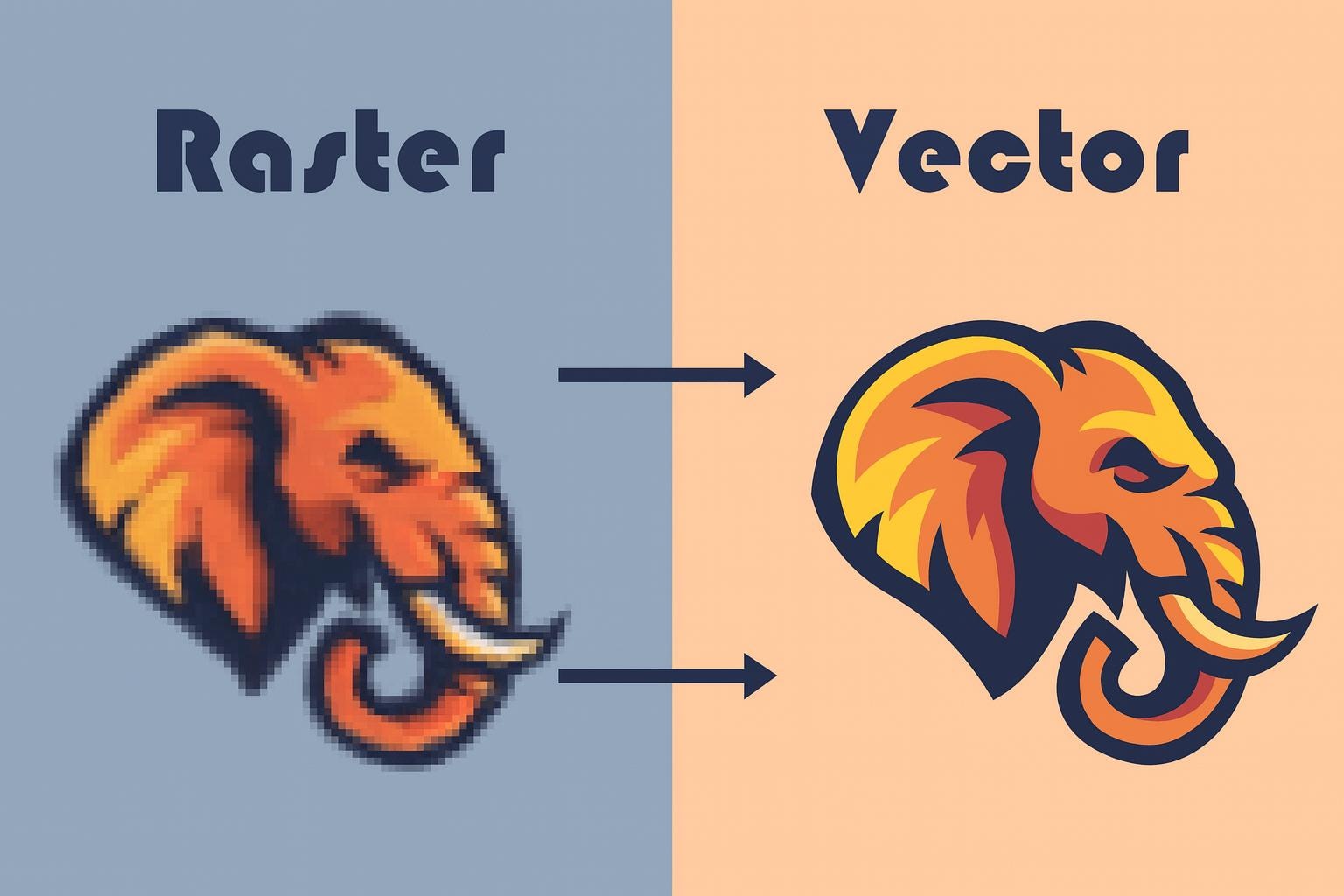
Clean vector delivered — SVG, AI, EPS, PDF + transparent PNG
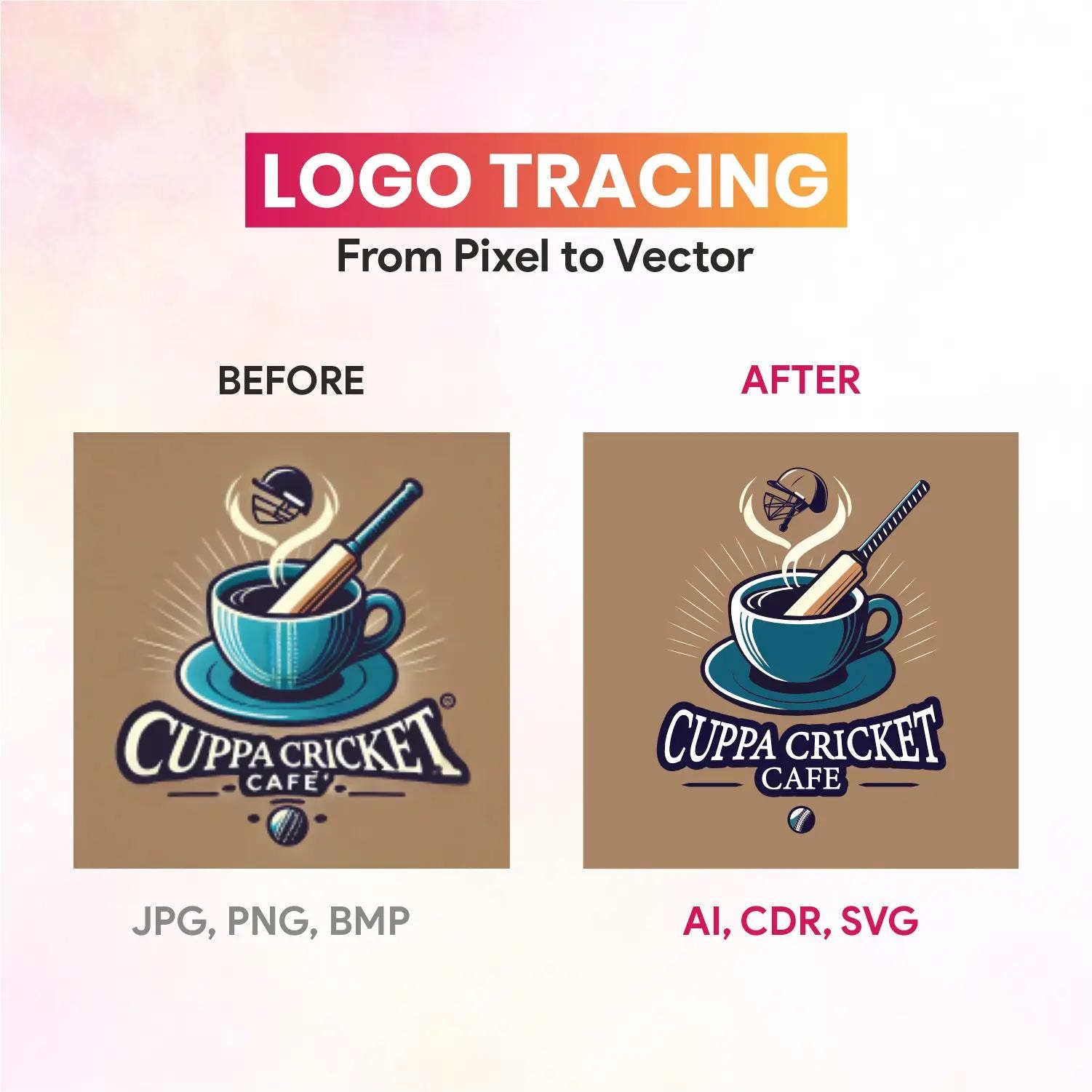
Original file received — low-res, pixelated, not print-ready
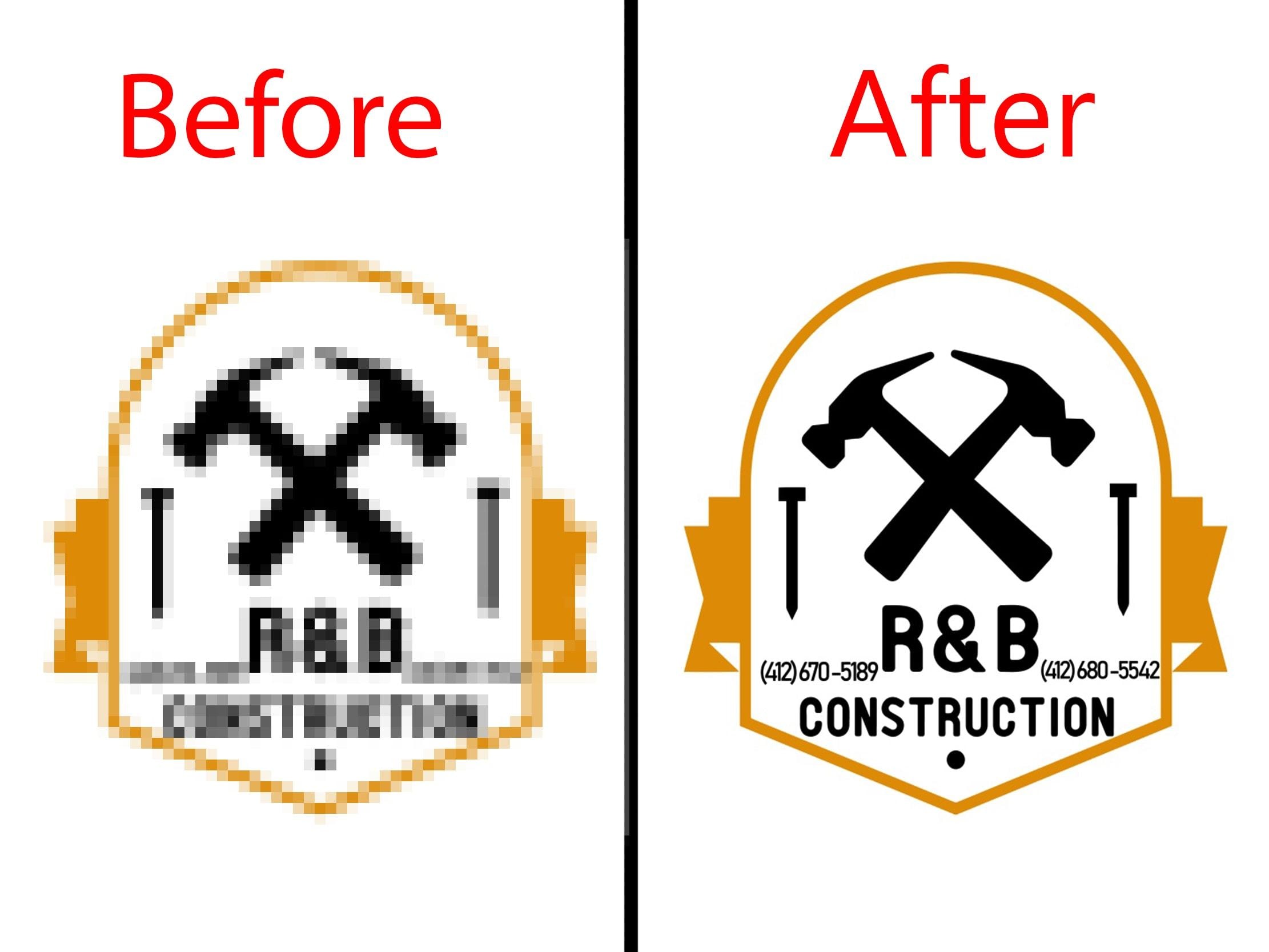
Clean vector delivered — SVG, AI, EPS, PDF + transparent PNG
All samples are real client work — not stock images or mockups. View full portfolio →
Trusted by businesses across the USA, Canada, Australia & UK
Print Shops
Sign Makers
Apparel Brands
Marketing Agencies
Embroidery Studios
Promo Products
Client Reviews
What Clients Say About Our Vectorization Service
Al Parrish
Print & Stitch, Bisbee AZ
"Used Felix for over 10 years. One of the very best and fastest turnaround times in the business. His prices are so reasonable. I highly recommend him and would not go anywhere else."
Niraj Upadhyay
Verified Google Review
"Thanks guys. You did awesome job. My logo sew beautiful. Thank you I will again use your convert to dst services."
Dinesh K. Vishwakarma
Verified Google Review
"I send him file to convert my png logo in to dst they did very fast and sew beautiful."
Jonathan Adams
Verified Google Review
"Went over and above on my revision with no extra cost."
Lisa M.
Boutique Print Studio, Texas
"Sent a blurry JPG of our restaurant logo. Got back a perfect SVG, AI, and EPS in under 3 hours. The paths were clean, colors matched exactly, and it opened perfectly in Illustrator. Will use for every client logo from now on."
David K.
Sign & Graphics Company, Florida
"We cut vinyl signs and need clean vector files. DST Studio delivered an EPS that cut perfectly on the first pass — no stray paths, no overlapping shapes. Saved us hours of cleanup work."
Priya S.
Marketing Agency, New York
"Our client had a 20-year-old logo that only existed as a scanned business card. DST Studio redrawed it as a clean vector — every detail preserved. The client was amazed. Highly recommend."
Marcus T.
Promotional Products Supplier
"We order vector files regularly for pad printing and laser engraving. DST Studio is the only service that consistently delivers clean, layered files with correct spot colors. No other service comes close."
Rachel B.
Apparel Brand Owner, California
"Needed our brand mark vectorized for a large-format banner print. The SVG came back with perfect curves and the exact Pantone color codes we needed. Print shop was happy, we were happy."
Omar F.
Embroidery Studio, Canada
"I use DST Studio for vector prep before digitizing. Clean vector files make the digitizing process so much easier. Fast, affordable, and the quality is always spot on. My go-to service."
FAQ
Logo Vectorization — Frequently Asked Questions
What is logo vectorization?
How much does logo vectorization cost?
How long does vectorization take?
What file formats do I receive?
Can you vectorize a low-resolution or blurry logo?
Is this the same as embroidery digitizing?
Ready to vectorize your logo?
Upload your JPG or PNG logo and get clean SVG, AI, EPS, and PDF vector files back in 10 minutes to 2 hours. Starting from $5. Get your free quote now.